
Getting your first dragon off the ground, named, and looking the way you want is the fastest way to feel at home in Dragon Adventures. According to the official Roblox game page, Dragon Adventures is a pet dragon taming RPG by Sonar Studios with over 200 unique dragon species, four growth stages, and aerial riding that turns a basic mount into a battle-ready companion. This walkthrough covers the exact controls, menus, and potion paths so your dragon flies, fights, and reflects your style from day one.
Flight Basics: Dragon Adventures How to Fly Dragon
Flight is gated by growth, not by level, which is why so many new players get stuck on the ground. Your dragon must reach the Juvenile growth stage before the wings even animate, and Adult before the saddle is fully usable for combat riding. Keeping hunger above 50% is critical, because the in-game feeding system halts growth if the hunger bar drops below that threshold, which silently blocks your flight unlock for hours.
Controls and Mounting
Once your dragon is large enough, walk up to it, press the interaction prompt, and select Ride. The default flight controls are simple, and the camera defaults to a third-person follow view that swings with the dragon rather than the rider.
| Action | Keybind (PC) | Mobile / Xbox |
|---|---|---|
| Mount / Dismount | E near dragon | Tap dragon, then Mount |
| Ascend | Space (hold) | Joystick Up + Jump |
| Descend | Left Ctrl (hold) | Joystick Down |
| Boost (Adult only) | Shift (hold) | Dash button |
| Roar / Battle Cry | R | Roar button |
| Open Dragon UI | M or Inventory tab | Dragon icon in lair |
Boost drains a hidden Stamina ring that refills automatically when gliding downward, which makes ridge-soaring across the Volcanic Region one of the fastest ways to refuel on long flights. Plan your boost bursts for flat ground and strong headwinds, then angle the dragon's wings downward over the lava ridges to convert altitude into a near-full stamina bar before the next climb. Combine that cycle with the Shift hold from the keybind table to chain multiple ridges between rest stops, and you can cross the entire Volcanic Region in roughly half the time of a straight-line flight.
Flight Map and Stamina Tips
Dragon Adventures features four large maps — the Grassland, Volcanic, Tundrian, and Ocean regions — and each one rewards a different flight style. Grasslands are short-hop friendly, Volcanic requires vertical stamina for updrafts, Tundrian demands long glides, and Ocean favors straight-line boost runs.
| Region | Best Flight Style | Stamina Saver |
|---|---|---|
| Grassland | Short hops between trees | Land every 30s |
| Volcanic | Circle inside updraft columns | Coast on rising air |
| Tundrian | Long glides off cliffs | Dive to refill |
| Ocean | High-altitude boost runs | Skim waves to refill |
Players report that holding boost while angled slightly downward refills stamina faster than flat gliding, which is useful knowledge for crossing the Dark Forest to reach the Pirate Cove arena. The reason this works comes down to the way the flight engine handles vertical velocity: a shallow dive converts gravitational potential into forward speed, and that regenerated bar segment recovers roughly 15-20% faster than passive gliding at level altitude, according to community testing. Pair the dive with the wave-skim refill technique used over the Ocean map, and you can chain the Dark Forest crossing into a Pirate Cove entry without ever landing to rest.
Naming Your Dragon: Dragon Adventures How to Name Dragon
Naming happens the moment your egg hatches, and the prompt can be easy to miss if you click through the welcome pop-ups too quickly. Open your dragon's stat card, click the pencil icon next to the species name, type a new tag, and confirm. The name is local to your account, not server-wide, so you can change it as many times as you want without spending coins or potions.
Naming Rules and Limits
The naming field accepts 3–20 characters, letters and numbers, no special symbols. If the name shows red, it usually means another of your own dragons already carries that tag (the game warns you to avoid confusion in your lair UI), or the string contains a blocked filter word. Community testing on the r/DragonAdventures subreddit shows that names with mixed casing read more clearly in the trade window, which matters once you start swapping dragons with other players.
Why Naming Matters Early
A clear, distinctive name speeds up trading, party invites, and screenshot identification for events like Solstice 2026 that introduced Leonelios and Celesteis. New players who skip naming often end up with five dragons all labeled "Dragon 1" through "Dragon 5," which becomes a nightmare when feeding or organizing a lair.
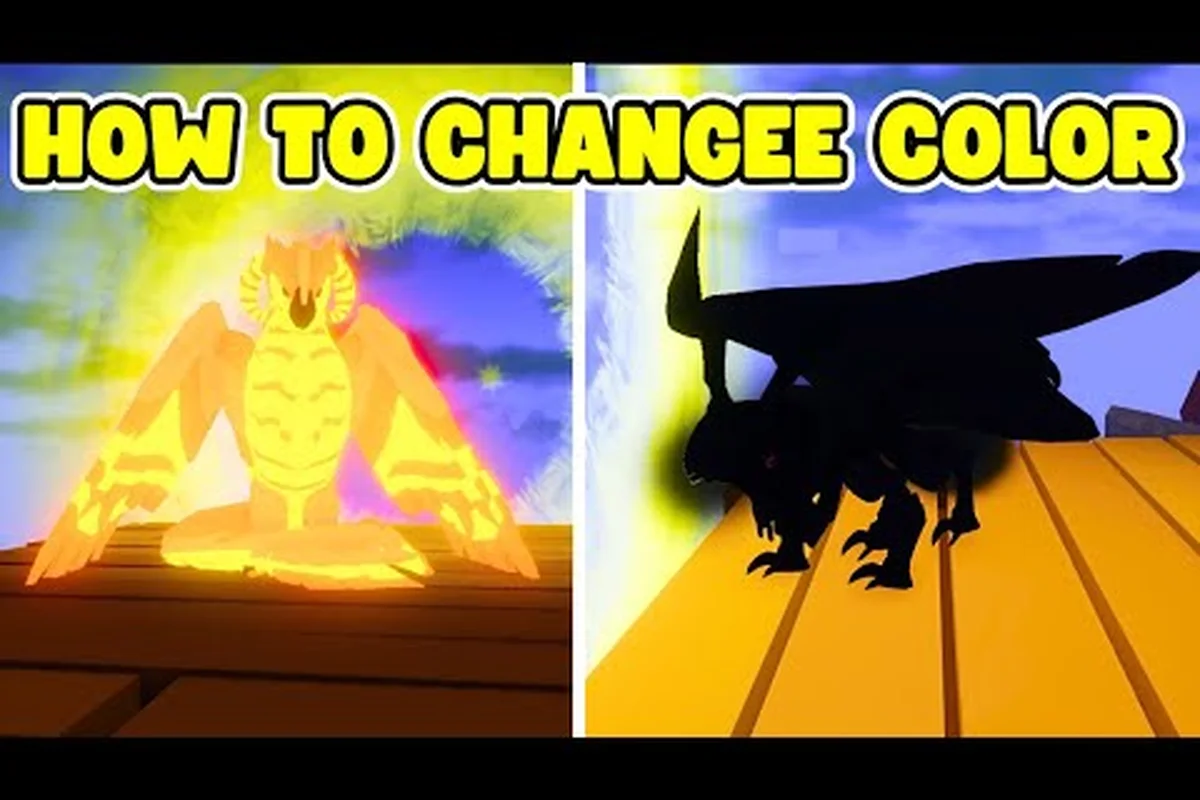
Changing Dragon Color: Dragon Adventures How to Change Dragon Color
Color customization is the most flexible layer of dragon identity, and it is fully decoupled from species. You can recolor a dragon without changing its element, gender, or growth stage, which is why the Color Shuffle Potion and Preset Potion sit at the center of every visual build.
According to the game's listing on Dragon Adventures on Roblox, flight mechanics are a core feature players explore once they unlock and bond with their dragons.
Potion Types and How to Apply Them
| Potion | Effect | Source |
|---|---|---|
| Color Shuffle Potion | Randomly reassigns base + accent colors | Crafting, codes, world drops |
| Preset Potion | Locks the dragon to a fixed color scheme | Codes, daily login, events |
| Material Shuffle Potion | Rerolls the dragon's material/finish (matte, glossy, metallic) | Crafting, alchemy |
| Color Order Potion | Rearranges the existing color palette, no new colors added | Alchemy bench |
The full step flow for a single recolor is straightforward: open the Lair screen, select the dragon, click Customize, choose the potion type from the dropdown, preview the result, then hit Apply. If you do not like the outcome, the game does not auto-undo, so always preview before confirming. Active codes like JUSTYBLOX, AESUBREALM, FLUFFY, GALIFRAN, and SHAMEWING reported by Game Rant grant preset potions for instant visual swaps, which is the fastest free route if you want a specific look today.
For a deeper look at every potion in the game, the potion guide walks through the full crafting tree, including the rarer Color Shuffle Potion drops and how to farm them efficiently — for example, pairing a Color Shuffle with a Preset Potion lets you lock a desired palette before rerolling secondary stats, while a Material Shuffle run during the Saturday alchemy bonus can cut the average grind from ~40 to roughly 22 attempts per target finish.
Changing Element, Gender, and Age
Element, gender, and age are the three mechanical pillars that shape every dragon's long-term role in dragon adventures how to fly dragon, because each one cascades into systems the others cannot fix. Element drives type matchup charts and resistances in aerial combat, gender dictates the probability table used when entering the Breeding Den, and age gates which Flight License tier a dragon qualifies for, so a hasty reset can bench a viable flier for an entire Growtime cycle. Plan changes around the endgame goal: keep hatchling-aged dragons only if you intend to re-grind stats, flip gender before locking a breeding pair, and switch element last so you do not waste a 72-hour breeding cooldown on a dragon you will retire.
Swapping element usually means feeding an Elemental Fruit or completing an Elemental Trial, both of which reset a dragon's level and lock it out of breeding for 72 hours. Gender flips are handled with a Gender Swap Potion, but the 50/50 outcome means serious breeders save before drinking. Age changes are the most punishing: using an Age Reset Potion or waiting through a Growtime cycle rebuilds your dragon's size class from hatchling, which directly re-locks flight eligibility on smaller breeds and forces you to re-grind stats before any aerial quest in dragon adventures how to fly dragon is even possible.
Dragon Adventures How to Change Dragon Element
Element changes happen through a special potion family brewed at the Alchemy Bench, which unlocks at level 15. Each dragon has a base element (Fire, Water, Earth, Wind, Light, or Dark), and the Element Shard Potion rerolls it. The reroll is random, so save before applying if you care about the outcome.
| Base Element | Strong Against | Weak Against |
|---|---|---|
| Fire | Earth, Wind | Water |
| Water | Fire, Earth | Wind |
| Earth | Wind, Lightning | Fire |
| Wind | Water, Earth | Fire |
| Light | Dark | Shadow variants |
| Dark | Light, Earth | Radiant variants |
Community testing on Reddit threads suggests that rerolling five shards in a row statistically trends toward the opposite element of the dragon's starter rarity, so a starter Fire dragon has a slightly higher chance of landing Earth or Wind.
Dragon Adventures How to Change Dragon Gender
Gender shifts do not have a direct potion. The only consistent method is breeding — pair two dragons, and each egg has a roughly 50/50 chance of hatching male or female regardless of parent gender. Players who want a specific gender usually breed multiple eggs of the same pair and keep the desired hatch. A complete breakdown of the inheritance math, including the W/F/L (Win/Fair/Lose) trade values that the community uses to judge pairings, lives in the gender inheritance breakdown.
Dragon Adventures How to Change Dragon Age
Age is not a stat you can reroll. The four stages — Hatchling, Juvenile, Adult, and Ancient — advance over real-time feeding cycles, and growth halts whenever hunger dips below 50%. Equipping dragons in the lair screen accelerates growth, as does feeding on schedule using either the Feed button in the lair UI or by pressing E near the dragon and choosing the apple icon.
| Stage | Approx. Feed Cycles | Flight Capable | Saddle Unlocked |
|---|---|---|---|
| Hatchling | 0–3 | No | No |
| Juvenile | 4–10 | Glide only | No |
| Adult | 11–20 | Full flight | Yes |
| Ancient | 21+ | Full + Boost mastery | Yes + cosmetic aura |
If you want a fast-track Ancient for the 2026 Solstice grind, combine constant feeding with the DA7THBIRTHDAY2 code (which Try Hard Guides reported as a free 100 Alchemy Elixir drop during the anniversary window) to bank growth accelerators. Because Ancient is reached at roughly 21+ feed cycles, every Elixir you stockpile trims several real-time cycles off the Juvenile-to-Adult and Adult-to-Ancient jumps shown in the table above, letting you reach full flight plus Boost mastery and the cosmetic aura noticeably sooner. Stack the Elixir on top of your regular apple feeding rhythm (never letting hunger drop below 50%) and rotate the saddle once Adult stage unlocks so the Elixir-fed growth converts directly into saddle-equipped flight time.
Customization Strategy and Common Pitfalls
Most new players waste potions by applying them before understanding the dragon's role. A dragon you intend to battle wants a stable element and material, while a dragon you intend to show off wants a preset color and a glossy material. Mixing those priorities is the single most common mistake, and it usually ends with a player rerolling an Ancient dragon and losing stat progress indirectly through wasted feeding time.
Save Before You Customize
The game does not autosave a snapshot before each potion apply, so back up by exiting the lair and reopening the dragon card, which forces a sync. A quick screenshot of the dragon's stat card before applying any potion also gives you a reference for what the dragon looked like if you want to revert via breeding back to a similar pair.
Avoiding Potion Pitfalls
A surprising number of new players apply a Color Shuffle Potion to a dragon they just spent an hour recoloring, which is a one-way trip unless you have a saved preset. The potion mistakes rundown lists the top ten errors beginners make, including using a Material Shuffle Potion on a metallic dragon only to lose the gloss because the dragon's base material was originally matte, a common annoyance reported on the Dragon Adventures subreddit.
Trade Value and Visual Identity
If you trade or sell dragons, the color and material layers often drive the W/F/L judgment, sometimes more than the species itself. Keeping a clean preset and avoiding mid-trade color shuffling helps you hold value when a rare species becomes event-limited. The breeding for mutations guide covers how to stack multiple visual layers onto a single egg so the dragon you eventually ride is both rare and battle-ready.
Frequently Asked Questions
At what age can my dragon fly in Dragon Adventures?
Your dragon can glide during the Juvenile stage, but full flight with the saddle and boost controls unlocks at Adult, which usually takes 11–20 feeding cycles depending on the species growth multiplier and Dragonfruit quality used. If hunger drops below 50% the growth timer pauses, so feed it any tier of Dragonfruit on cooldown and avoid leaving it at the Stable overnight, because stalls are the most common reason players report an extra two to three days before their dragon can finally take off.
Can I rename a dragon after hatching?
Yes. Open the dragon's stat card from the lair, click the pencil icon next to the name, and type a new tag between 3 and 20 characters. There is no coin cost and no cooldown, so you can rename as often as you like.
How do I get a specific color without rerolling?
Use a Preset Potion instead of a Color Shuffle Potion. Presets lock the dragon into a fixed scheme, which is faster and predictable. Codes like JUSTYBLOX and AESUBREALM occasionally hand out preset potions for free, according to active code tracking.
What potion changes a dragon's element?
The Element Shard Potion, brewed at the Alchemy Bench from level 15, rerolls the dragon's base element (Fire, Ice, Earth, Wind, Water, Light, or Dark) into a random pick from the full pool regardless of what it was before. Results are random, so preview and save before applying if the dragon carries sentimental or trade value, since the new element can conflict with existing Element Runes or kill a finished Rider Bond build you spent weeks leveling.
How do I change my dragon's gender?
The simplest gender swap is to rebreed — pair the same parents again, since each egg hatches with an independently rolled sex that ignores the parents' gender. If you want a guaranteed flip on an existing dragon, brew a Gender Swap Potion at the Alchemy Bench, confirm the new sex in the preview, and apply it; otherwise hatch 4–6 eggs and trade the unwanted ones on the player market for stable coin.